
TL;DR
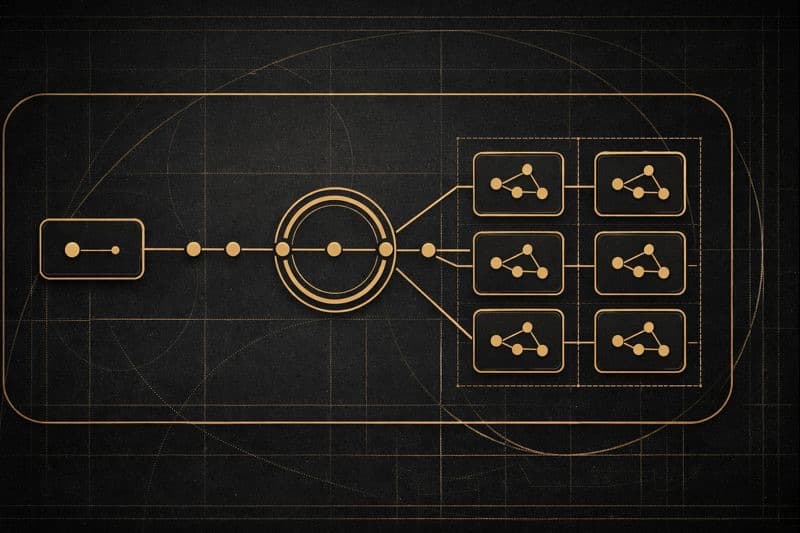
Zed is home base. Cursor is where agents do their work. The worktree is the boundary.
This post is about managing coding agents with a clean separation of concerns: Zed for hands-on work, Cursor for agent execution, and git worktree as the isolation boundary. It also covers the Agent mode / Plan mode rhythm I’ve settled into.
Cursor Wasn't for Me—At First
I tried Cursor several times. Each time, I walked away thinking, "Not for me."
I stuck with Codex for AI-assisted coding. And for everything else—writing code myself, reviewing diffs, navigating projects—I used Zed. Zed isn't just my editor; it's the most important tool supporting my productivity today. The native Vim keybindings, the speed, the feel. I can't work without it.
So Cursor stayed off my radar.
October 29, 2025
Then Cursor 2.0 dropped.
What caught my attention wasn't just the update itself—it was that Cursor released their own model called Composer. And alongside it, a new interface designed specifically for agents.
I gave it another try.
Within days, I had moved almost everything I was doing in Codex to Cursor.
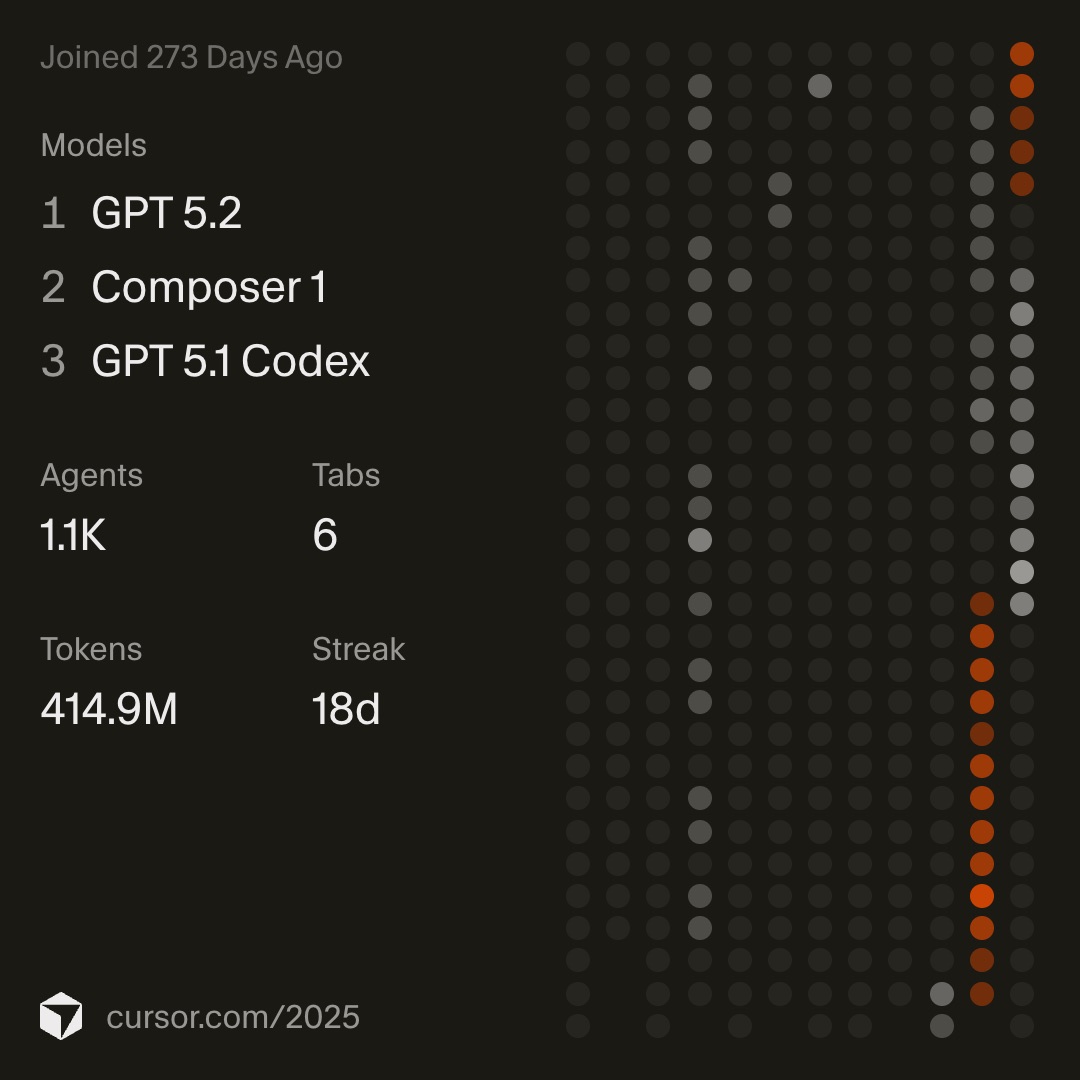
My Cursor 2025 Wrapped captures this moment perfectly. Look at the activity graph on the right—almost nothing until late October, then a sudden streak that hasn't stopped. If Cursor keeps evolving at this pace, I wouldn't be surprised to find myself in the top tier of their usage stats next year.
The Right Balance of Speed and Quality
As models have gotten more capable, they've also gotten slower. More reasoning, more tokens, more time. That's fine if the output is exactly what you need. But usually, it isn't. Usually, you're going to make adjustments anyway.
So if I can get 60–80% of the way there, fast, that's what I want. I'd rather iterate quickly than wait for perfection that still needs fixing.
Composer was exactly that. Fast. Surprisingly fast. It reminded me of the first time I used Groq—that feeling of "wait, it's already done?"
Since then, Anthropic released Claude Opus 4.5, and OpenAI shipped GPT-5.1 Codex and GPT-5.2. I've been using GPT-5.2 as my primary model, and somehow it's still fast. My guess is they're using Composer internally for parts of the generation.
You can see it in the Wrapped image too—GPT 5.2 on top, Composer 1 right behind.
Cursor Modes: Ask, Plan, Agent, and Debug
I've settled into a rhythm with Cursor's four modes.
Agent mode is for when I can already picture the diff. The scope is clear, the implementation is straightforward. I write about 300 characters describing the goal, context, and approach, then hit Enter and let it run.
Plan mode is for when a bit of discussion would help stabilize the output. Same 300-character summary, but then I go back and forth a few times—adjusting direction, aligning expectations—before letting it build.
Ask is for when the implementation path is still fuzzy—when I'm not sure what to do yet and want to talk it through. If the direction clicks, I might move from Ask → Plan → Agent. Other times, I take what we discussed back to Zed, write a quick first draft myself, and then come back for another round of Ask or Plan.
Debug is the one I haven't fully internalized yet. I've only used it a handful of times, but it's an interesting approach—and I want to explore it more.
The Workflow: Zed + Cursor + git worktree
When you're running multiple agents on different features in parallel, you need isolation. That's where git worktree comes in. If you're curious, I wrote more about it in Git Worktree, My Way and The Thinnest Script Infrastructure.
Here's how it works in practice:
- Zed: Run
git new-worktreeto create a new worktree - The new worktree opens automatically in a new Zed window
- Zed: Run the
open cursortask (I'll write about this separately) - Cursor: Hand off the task to the agent
- While the agent works, I switch back to Zed—spin up another worktree, continue my own implementation, review other PRs
- When the agent finishes, I review the diff in Zed, request changes or make fixes myself, commit, and open a pull request
- When things settle down,
git prune-worktreesto clean up
Zed is home base. Cursor is where agents do their work. The worktree is the boundary.
The Most Productive I've Ever Been
This setup—Zed as the command center, Cursor as the agent workspace, git worktree as the isolation layer—has made me more productive than I've ever been.
Could I get a more seamless experience by doing everything in Cursor? Probably. But Zed's native Vim support isn't something I can replace. The responsiveness, the muscle memory, the way it stays out of my way. That's not negotiable.
So I use both. Zed for me. Cursor for the agents. And git worktree to keep everyone's work separate.
Managing coding agents, it turns out, looks a lot like managing a team.