
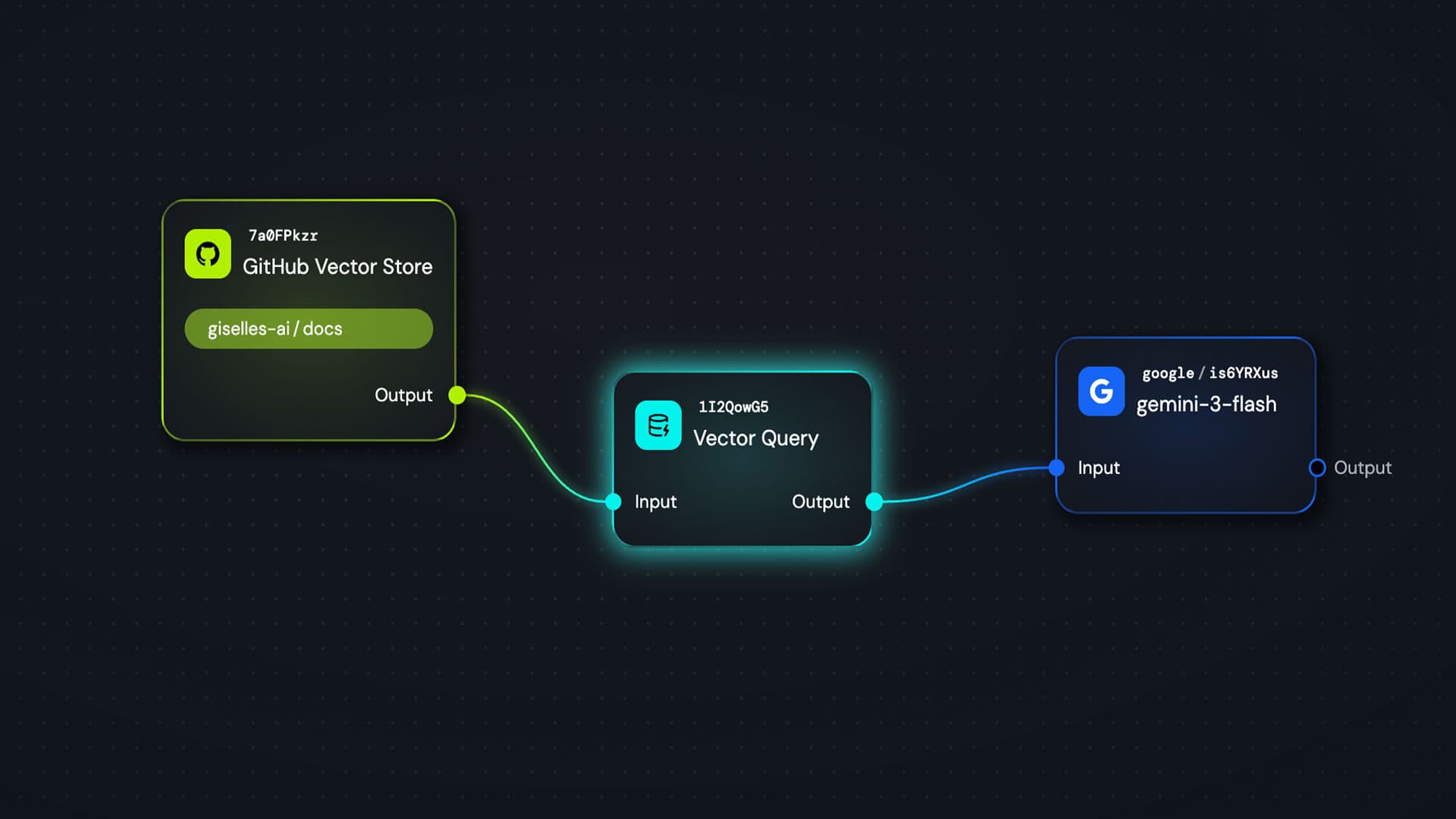
What if you could transform your GitHub code, Pull Requests, and Issues into "knowledge" that AI can actually use?
With Giselle, this is surprisingly easy. You can store your repository data in a Vector Store, allowing AI to pull relevant information whenever it needs it. This is similar to what's called RAG (Retrieval-Augmented Generation), though most people probably haven't worked with RAG systems before.
In this article, I'll walk you through how Vector Store and Vector Query nodes work in Giselle, as simply as possible.
Setting Up Your Vector Store
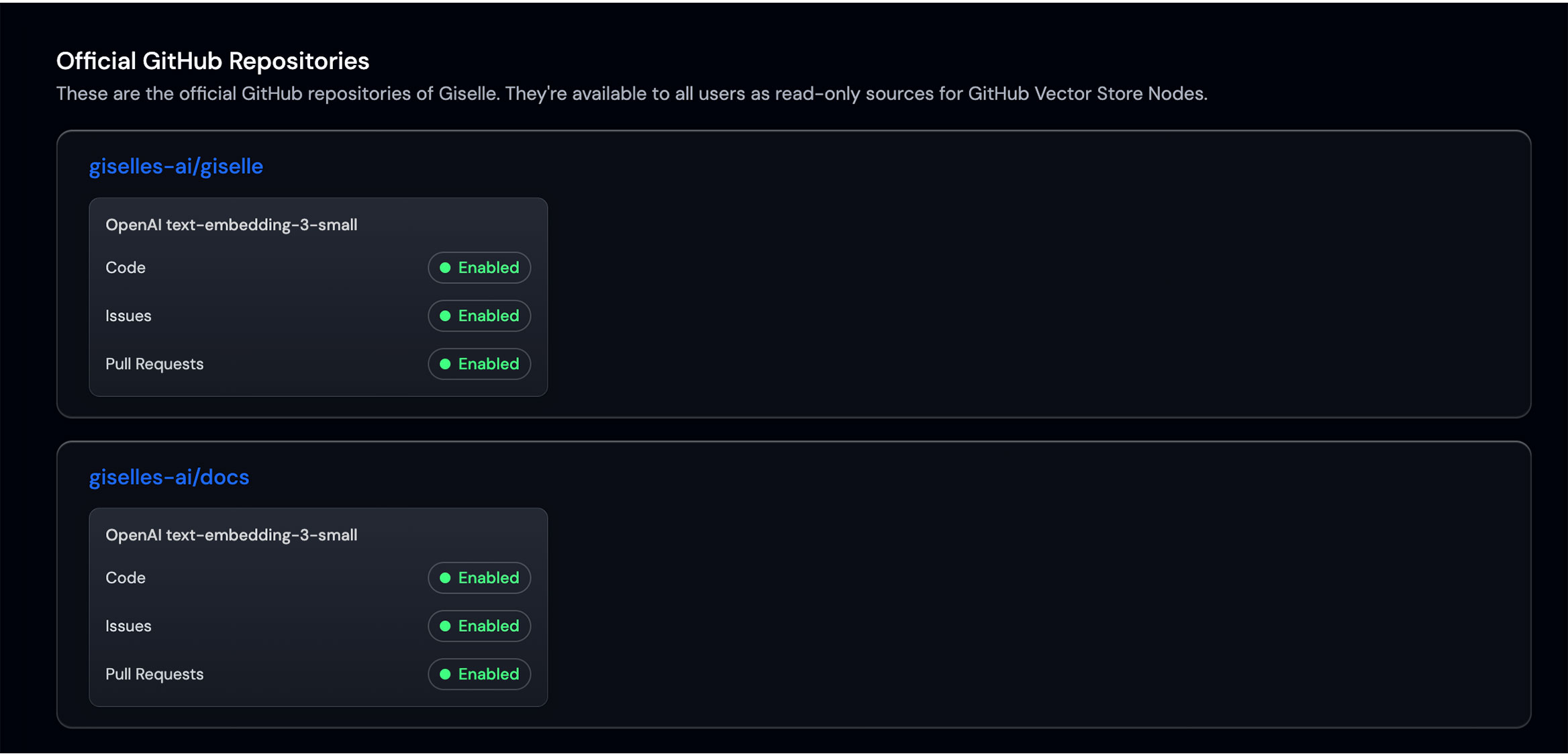
If you're on a paid plan, setup is incredibly straightforward. Just connect your GitHub account and select the repositories you manage.
Ingesting the data takes some time, but once you kick it off, it'll be ready by the time you're back from lunch.
When storing repository data, you'll need to choose an Embedding model. An Embedding model determines how text gets converted into numerical vectors. Different models have different strengths and accuracy levels, so pick one that fits your use case.
Pulling Data with Vector Query
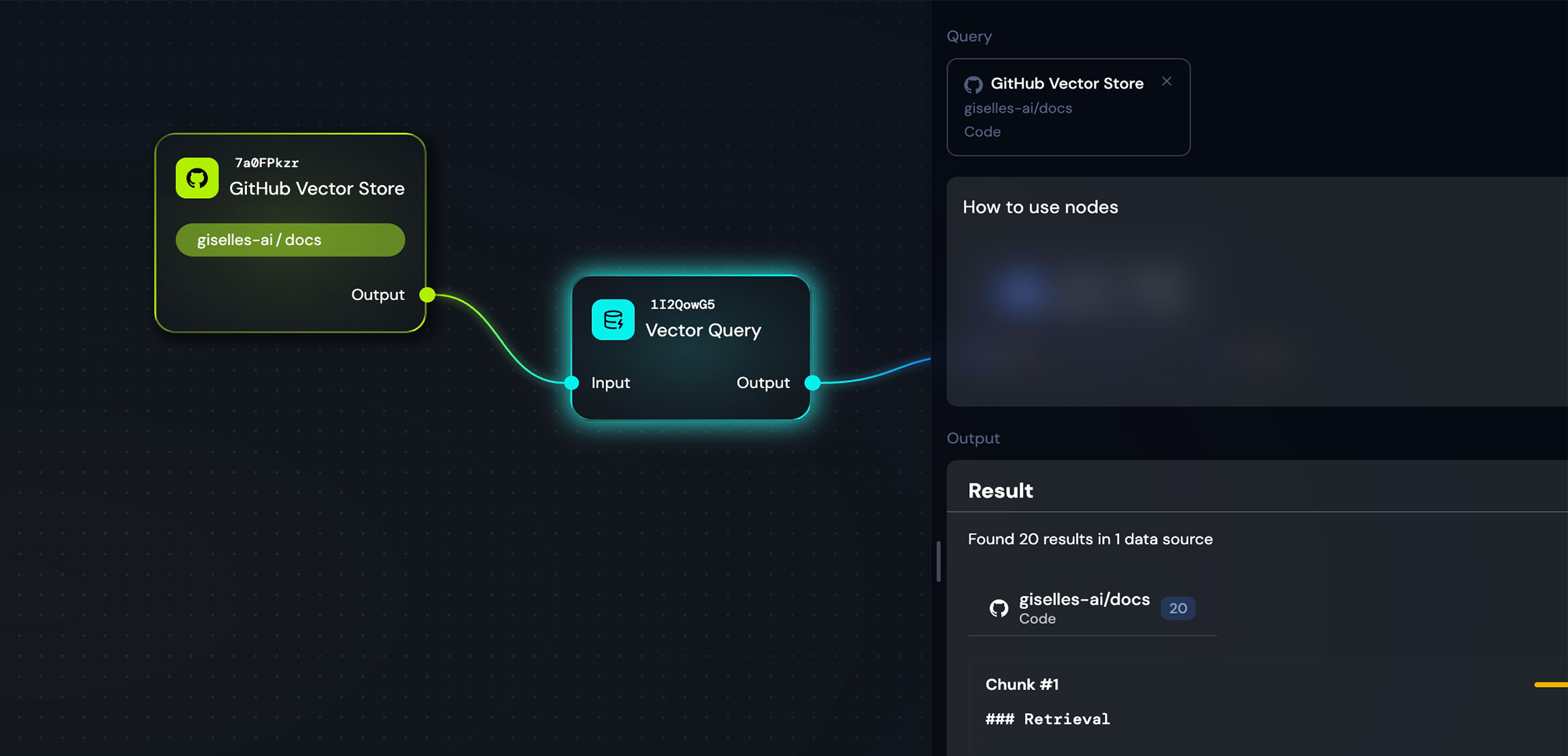
Once your Vector Store and Embedding model are set, you need a way to retrieve data from it. That's where the Vector Query node comes in.
The workflow is simple: draw a connection from your Vector Store node to a Vector Query node, then enter your search query. The system will instantly pull semantically relevant context from the vector space.
However, the data you get back is still in its "raw" form. To make it human-readable, you'll need to connect it to an LLM from providers like OpenAI, Anthropic, or Google to process and format the information.
It Looks Complex, but It's Actually Much Easier
"Create a Vector Store, connect a Query node, then connect an LLM..." — I know this might sound like a lot of steps.
But if you've ever tried to build a RAG system from scratch with code, you know how painful it can be. Handling embeddings, managing vector databases, implementing search logic, integrating with LLMs... doing all of this yourself is a serious undertaking.
As far as I know, Giselle is the only tool that makes semantic search over GitHub data this accessible. Give it a try.
It's Not Just for GitHub
By the way, Vector Store isn't limited to GitHub repositories. You can also upload document files to create a store. This is great for large PDFs and other documentation.
One tip though: I've found that converting PDFs to Markdown or plain text before uploading often yields better accuracy. Structured data — like code — tends to vectorize more effectively. I'd recommend formatting your content that way when possible.
Advanced: Dynamic Query Generation for Agentic RAG
Here's a more advanced technique.
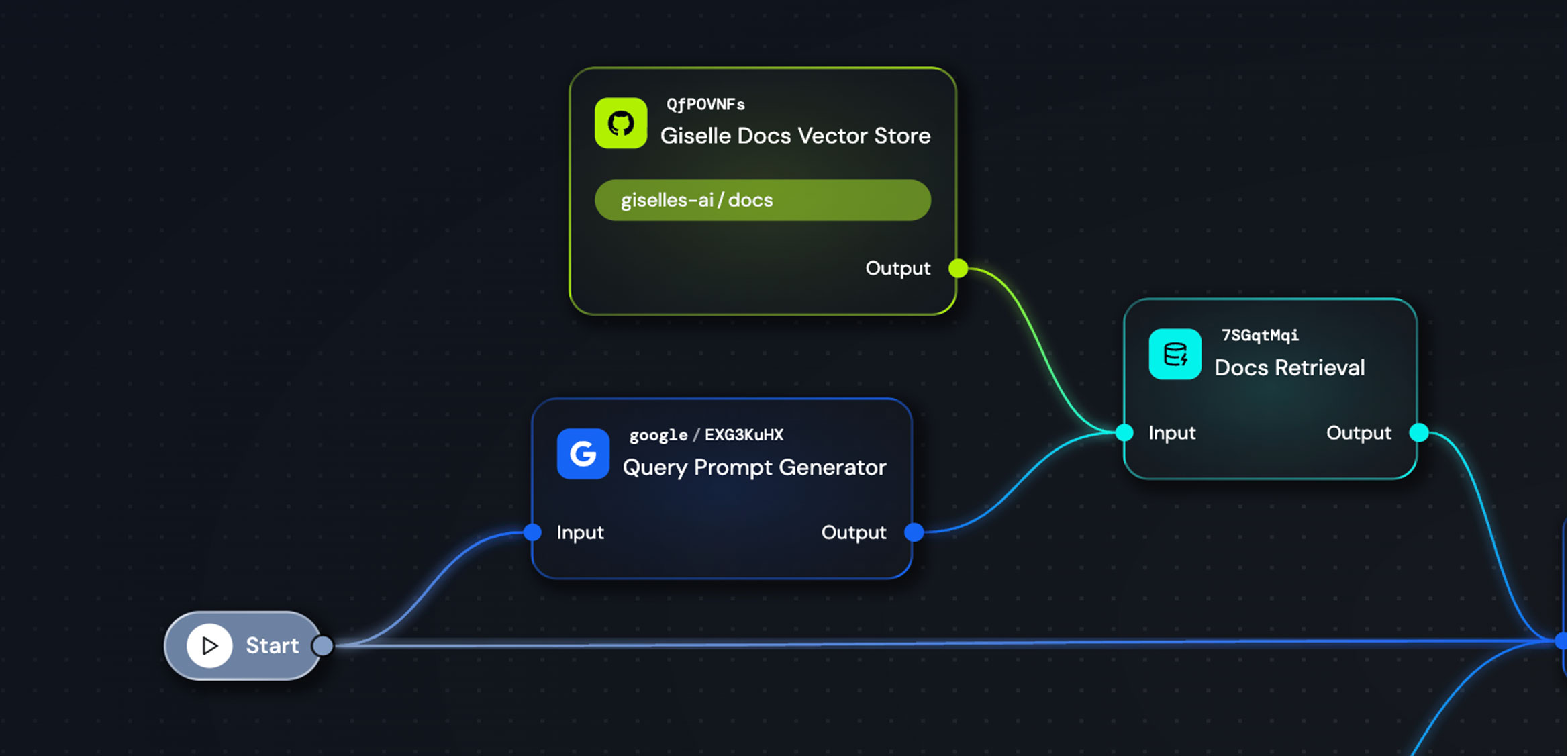
Instead of using a fixed query string in your Vector Query node, you can generate the query dynamically. This opens up a whole new level of possibilities.
Let's be honest — most people have no idea how to write a good query to pull the right information from a Vector Store. But AI does. Let AI figure out the query for you.
Check out the sample apps we've published. There's a node that takes user input and generates a query prompt, which then feeds into the Vector Query node. Since the query changes dynamically based on what the user asks, it becomes something close to an Agentic RAG system.
Wrapping Up
Vector Store and Vector Query might feel a bit complex at first. But once you get the hang of it, the possibilities really expand.
If you get stuck, explore the sample apps or check out the docs. My top recommendation? Set up the "Customer Support" sample app and try asking it questions yourself.
Give it a shot.